SSF-40 - dialogue about anomalies
Planet Inspection Missions
After a player classifies a planet, they can initiate a satellite mission to “continue studying” it. This creates a new mission type (Satellite-PlanetInspect) that gradually unlocks planetary stats over time (e.g., every 10 minutes).
These missions use a “grey, fuzzy” placeholder planet config. As time passes, color and data is revealed, based on atmospheric or solar data.
At the end of the mission, users are presented with a screen showing:
- Their classification
- The planet and unlocked stats
- A “Publish” button to complete the mission
This scene should be accessible via the sidebar or from /next/{classificationId}.
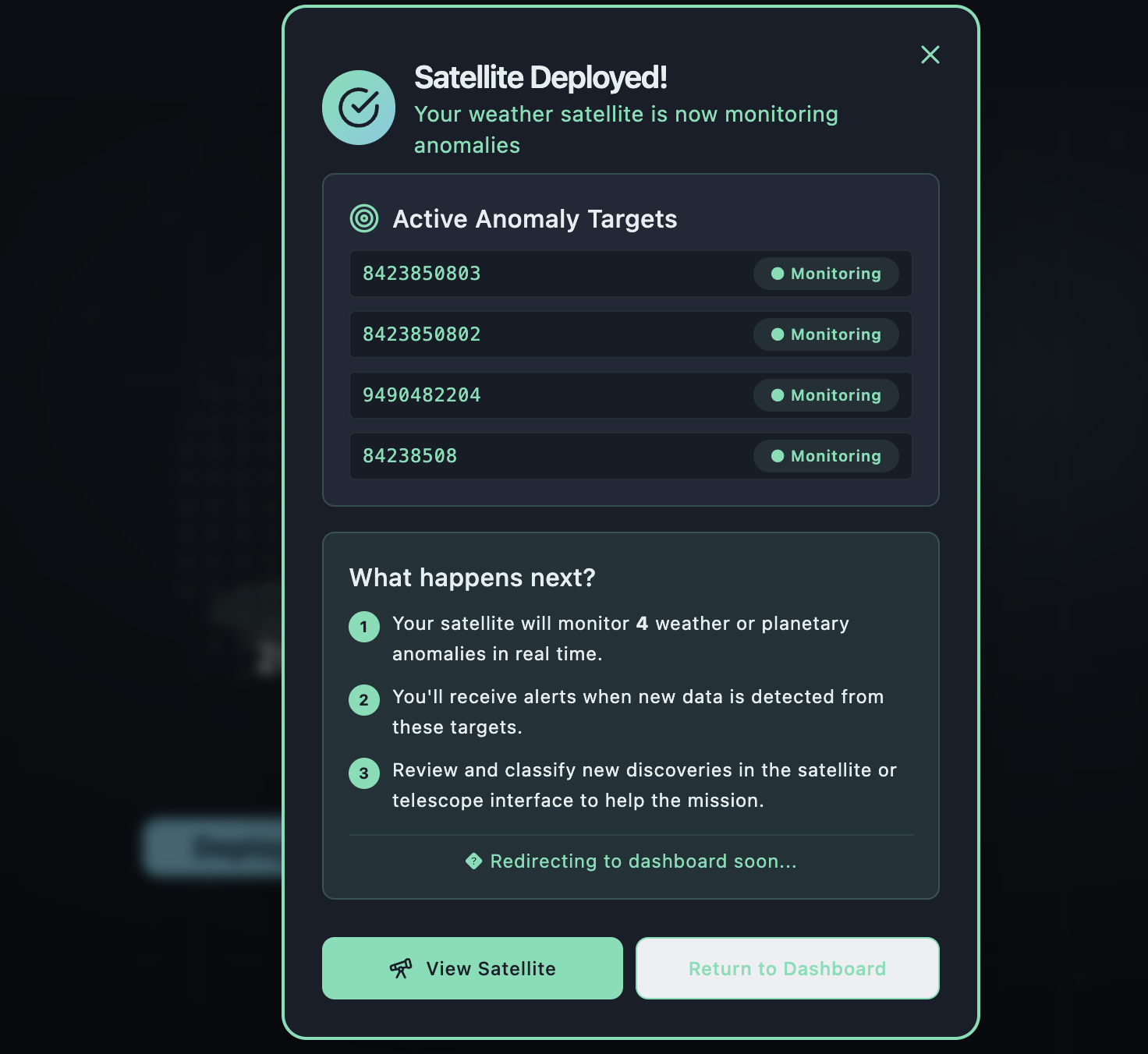
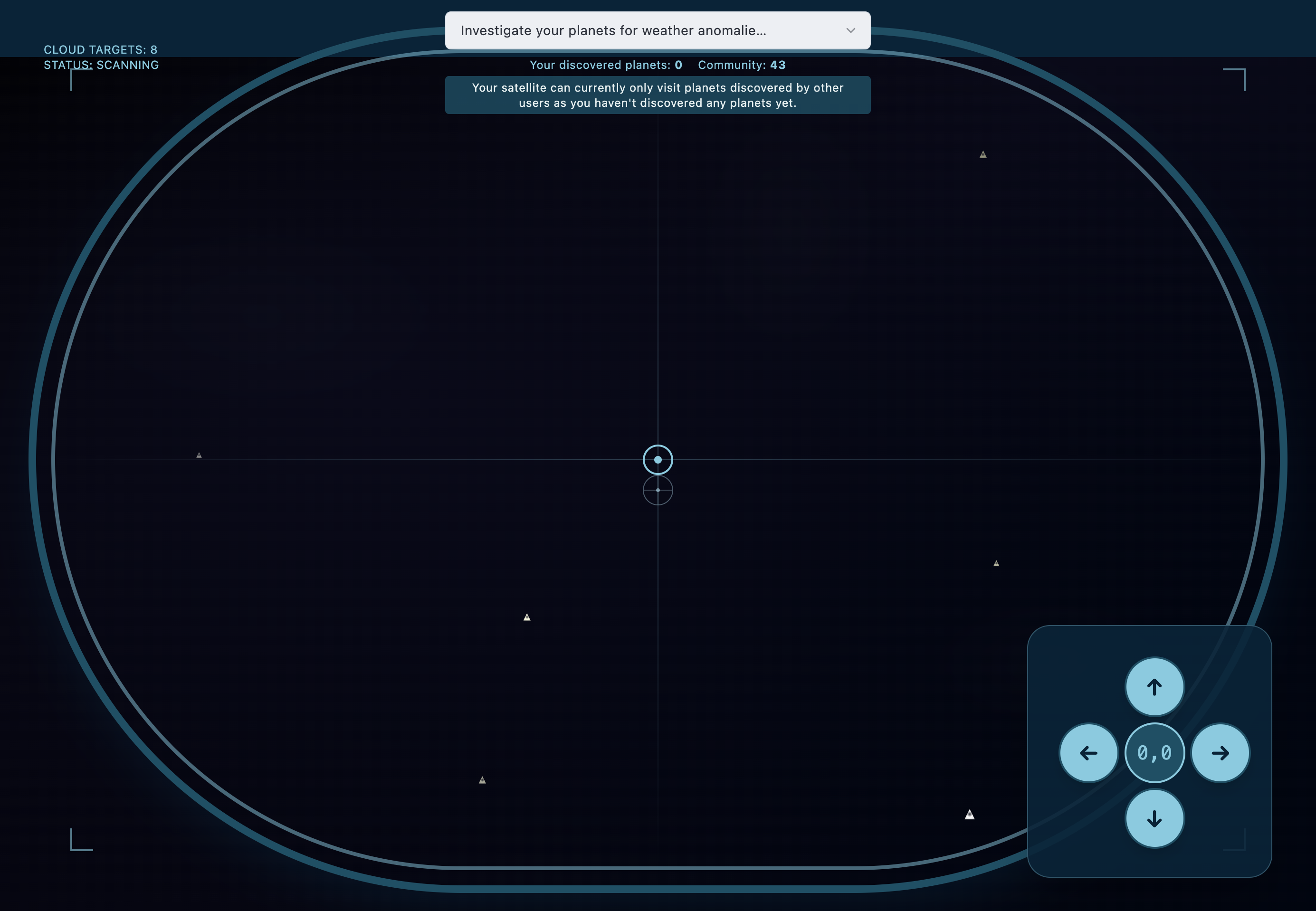
SSG-287: The Satellite Deploy scene now reads from the user’s researched upgrades, adjusting what deployment options are available. Some visual tools or enhancements may require prior research (e.g. detecting weather layers, atmospheric density, etc).
Layout and interaction have been redesigned to better reflect this expanded logic. The page supports multiple views and toggles based on progression.
Note: Planning support for multiple simultaneous planet selections or refined targeting logic for post-classification.