It’s the big one! It’s the last sprint (for V2.0, anyway)!
And we’ve got a lot to do:
Final mechanics:
- Users can find water on compatible planets when they paint
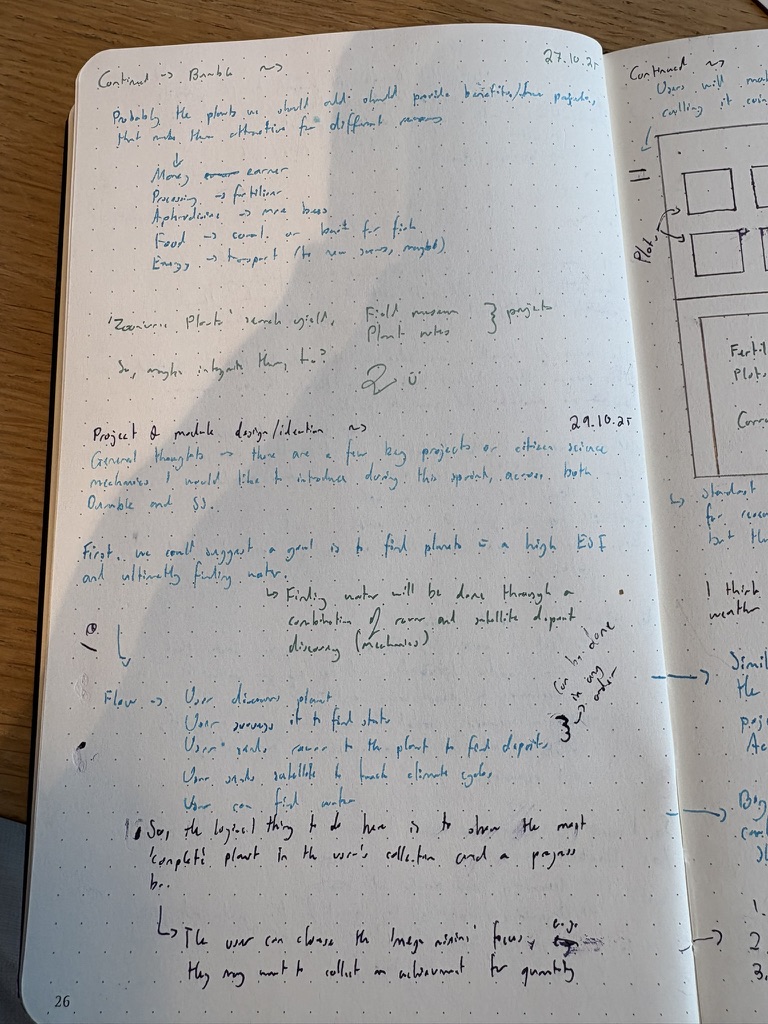
So, we’ll suggest that deposits, landmarks and structures are visible in the editor. These are also saved in the classificationConfiguration value. Deposits will have a different colour and texture depending on the type, mineral and the mass state. It will also include links to classifications for each point. There will be a hidden deployment that the user can perform from this screen to dig, scan or otherwise hunt for water (need to figure out some sort of approach based on pre existing info. Do we allow the user to choose the structure or tool? Hmm). Achievements are displayed when water is found. An accuracy rating (not literally stated as accuracy) should be placed on the card. Consensus will be required. A message - who knows, maybe life may develop here - shows.
- Show painting as something the user can do
Bumble
One of the first things is to make the plots consistent in layout, for now. That means same height, positioning, etc. This is more so that I can have a good base and building block/springboard for the next steps, but I’m not going to stress too much about making it perfect because we’ll probably do something with Godot long-term for Bumble anyway. This first task is more about getting me back into the swing of things programming-wise.
- Make all plots in-line (3 * 2 alignment) - SOIL-2 ✅ 2025-10-28
Done -
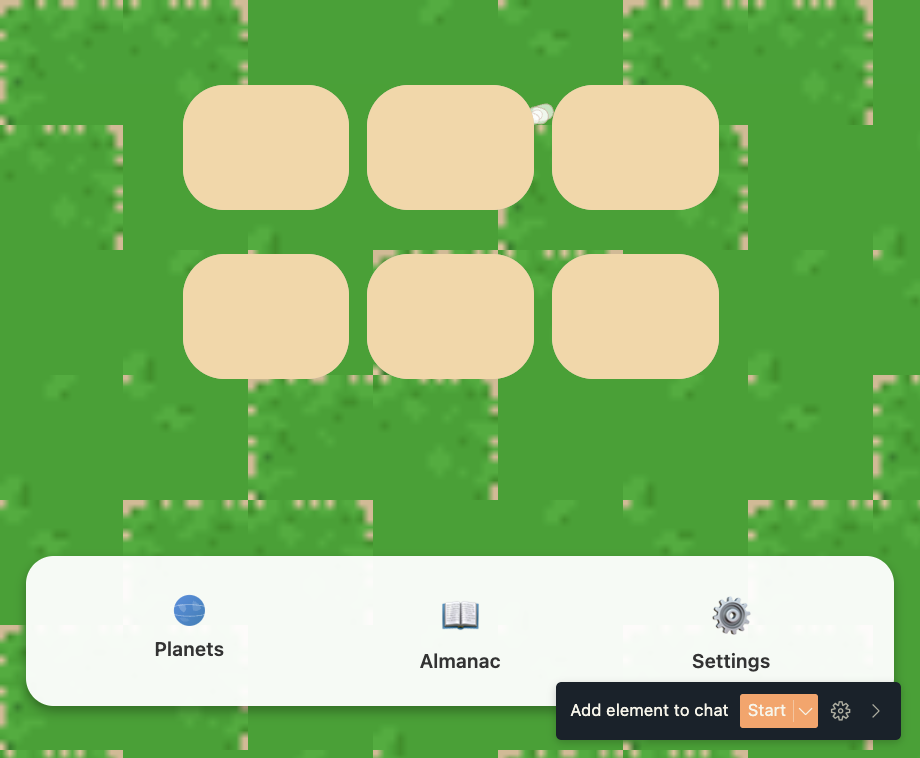
Related to this code:
const plotPositions = [
  { left: screenWidth * 0.2, top: screenHeight * 0.6 },
  { left: screenWidth * 0.4, top: screenHeight * 0.6 },
  { left: screenWidth * 0.6, top: screenHeight * 0.6 },
  { left: screenWidth * 0.2, top: screenHeight * 0.7 },
  { left: screenWidth * 0.4, top: screenHeight * 0.7 },
  { left: screenWidth * 0.6, top: screenHeight * 0.7 },
];
We should have an inventory and maybe an animation so that when users harvest a crop, it goes into their inventory. Users are able to sell these crops down the line for upgrades, e.g. more plots.
Maybe there could be a button to expand the view so users can see all their crops/plot areas? Users could maybe find new biomes? So, like planets and weather, different effects (some effects e.g. gravity can’t be changed, though) and visuals, just to a lesser extent. I will finish redesigning/ideating some things inc. layout in v0 before getting the sprite renderer working and then bringing it into the Expo codebase for now. Godot comes later.
When it comes to the location system, I suppose we could have a minimal planet generator… Mineral deposits that are found could also be integrated. Just like what I was going to do in Roving…although now, I’m not sure when I’ll get back to that.
Star Sailors (web)
Consensus/Voting callouts
In the inbox, we could have some sort of component or tutorial info that explains what voting is and how it benefits them.
- The more votes/comments you do, the higher up in others’ feeds your discoveries appear ✅ 2025-11-03
- If users haven’t voted or commented recently, show this in the Imbox more prominently ✅ 2025-11-03
- General voting/comment highlighting in imbox and post route ✅ 2025-11-03
^^ CONSENSUS-1
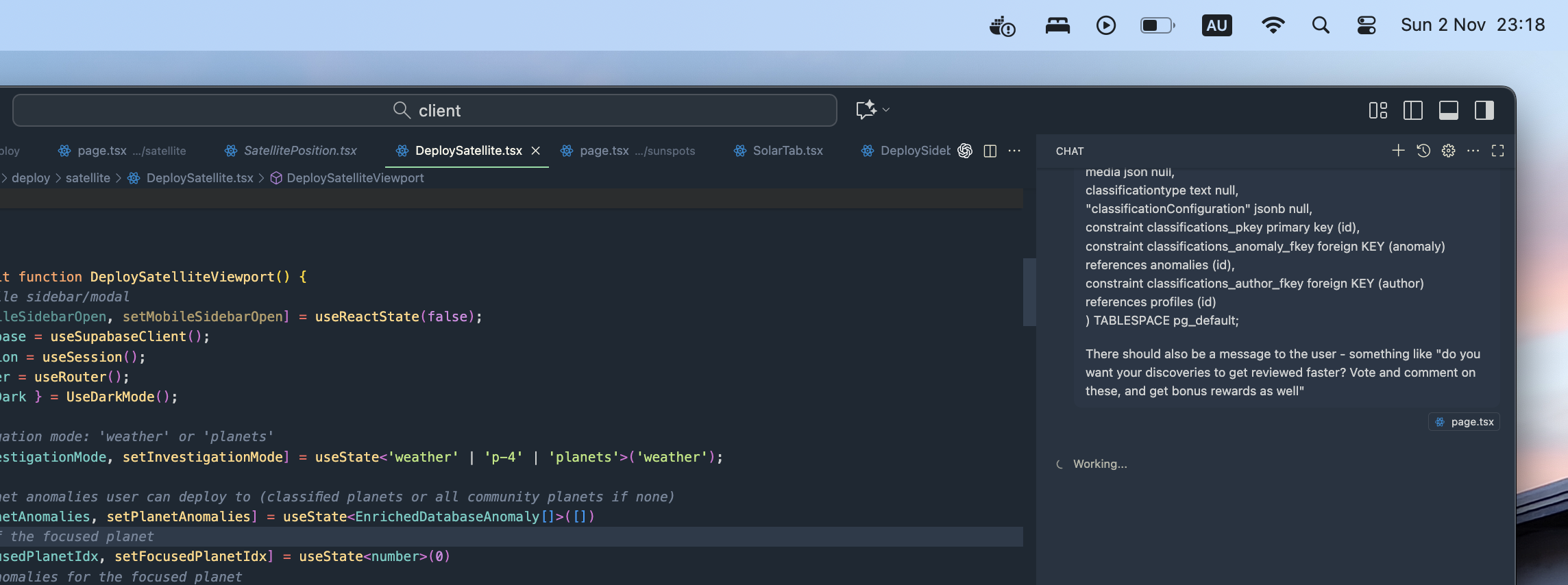 . Doing this with Copilot because we’ve got about 20 minutes until we land in Keflavik and I just want to get this done.
This will all be in the Inbox/Updates section, with some clear recommendations and a little feed there (like recommended posts).
Satellite missions
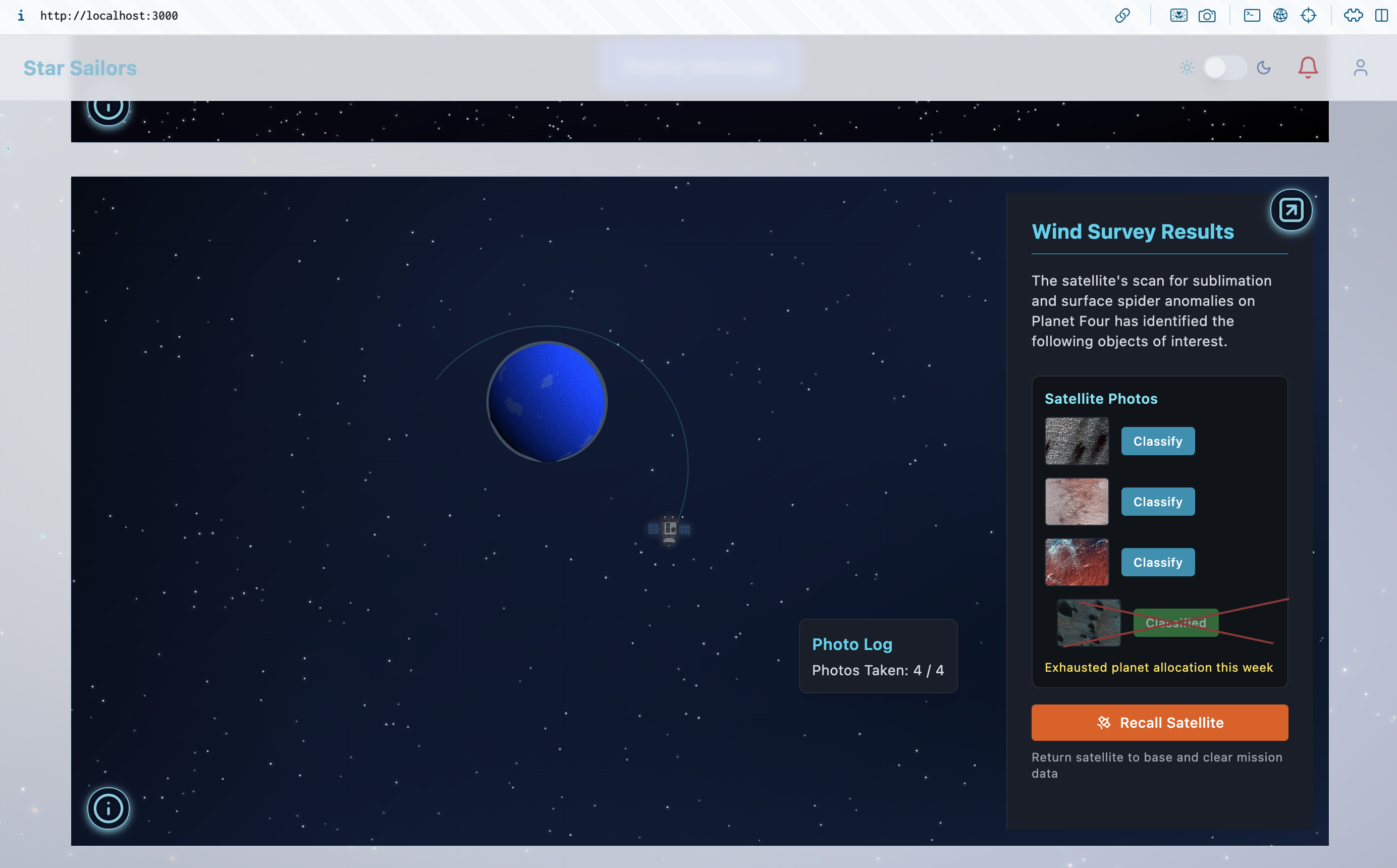
- Change deployed satellite layout to be based around orbiting planet perspective - SATELLITE-1 ✅ 2025-10-29
Wind survey:
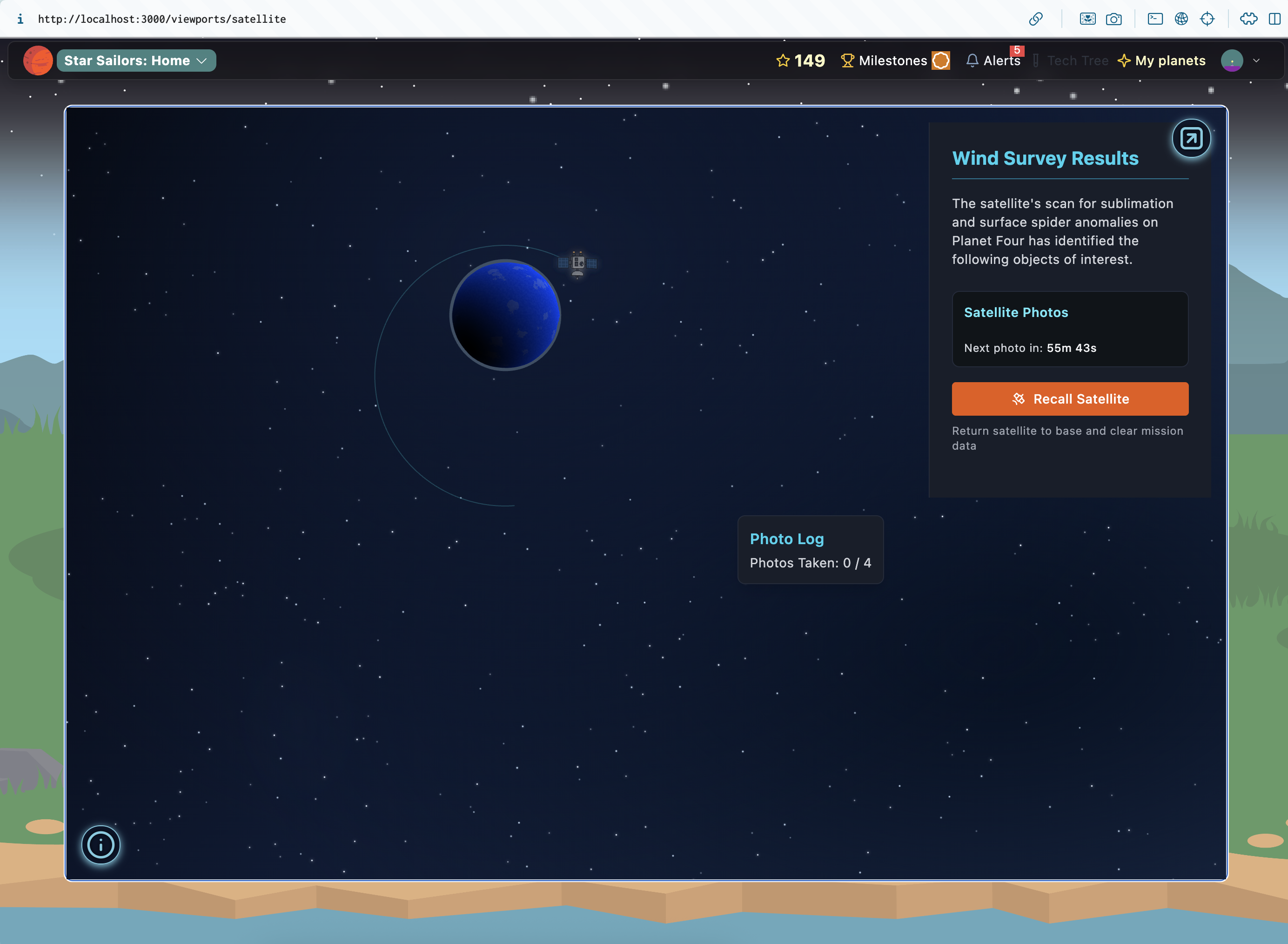
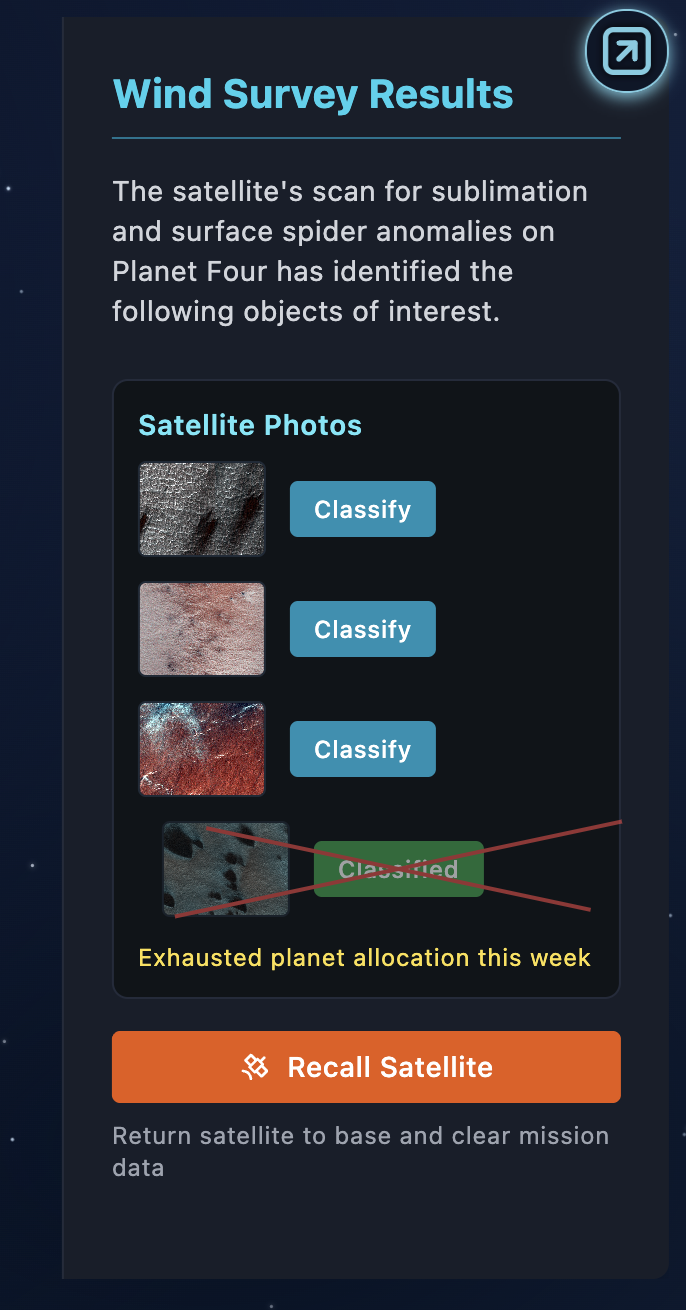
This looks good:
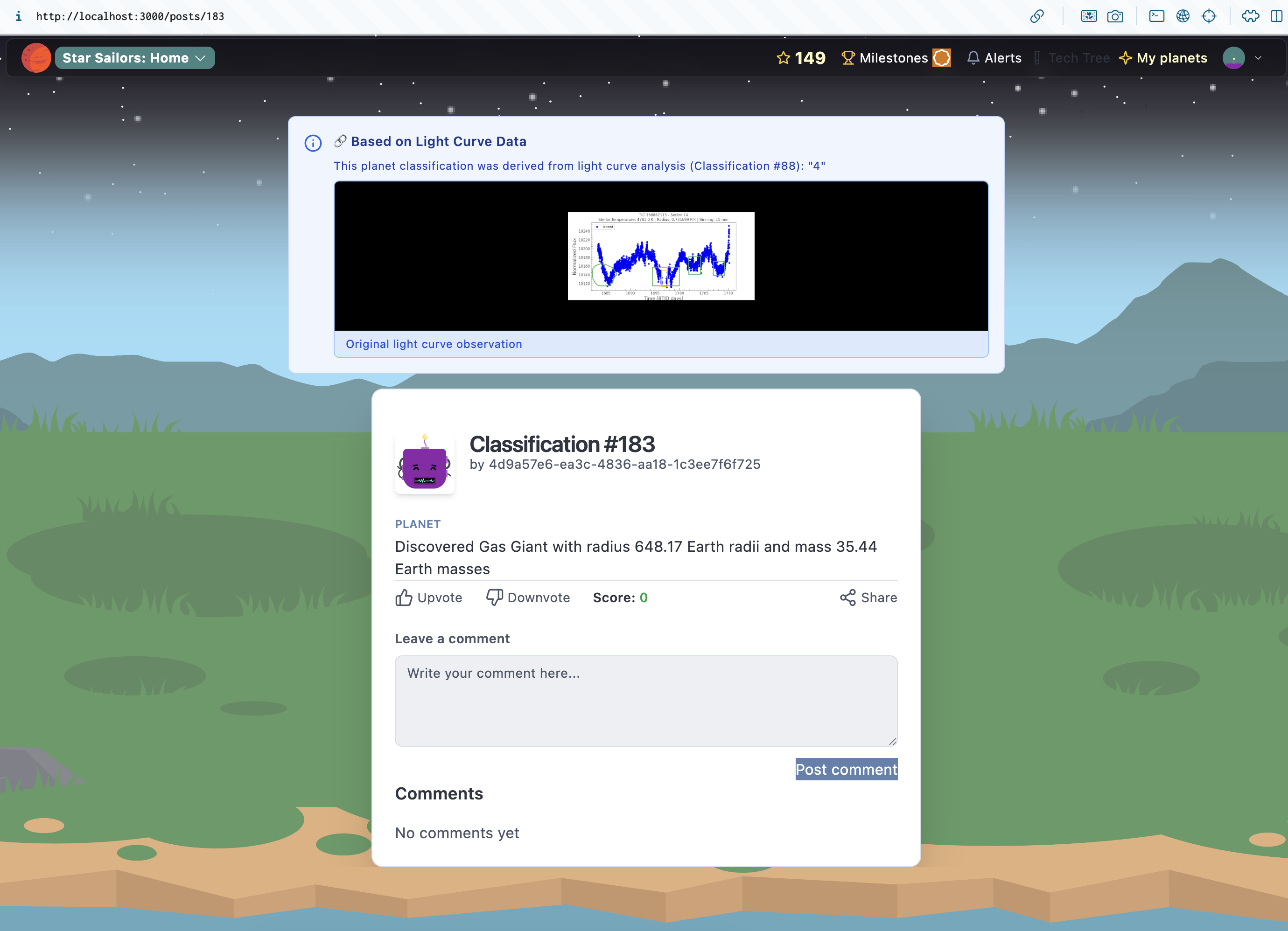
Classification/post environment
-
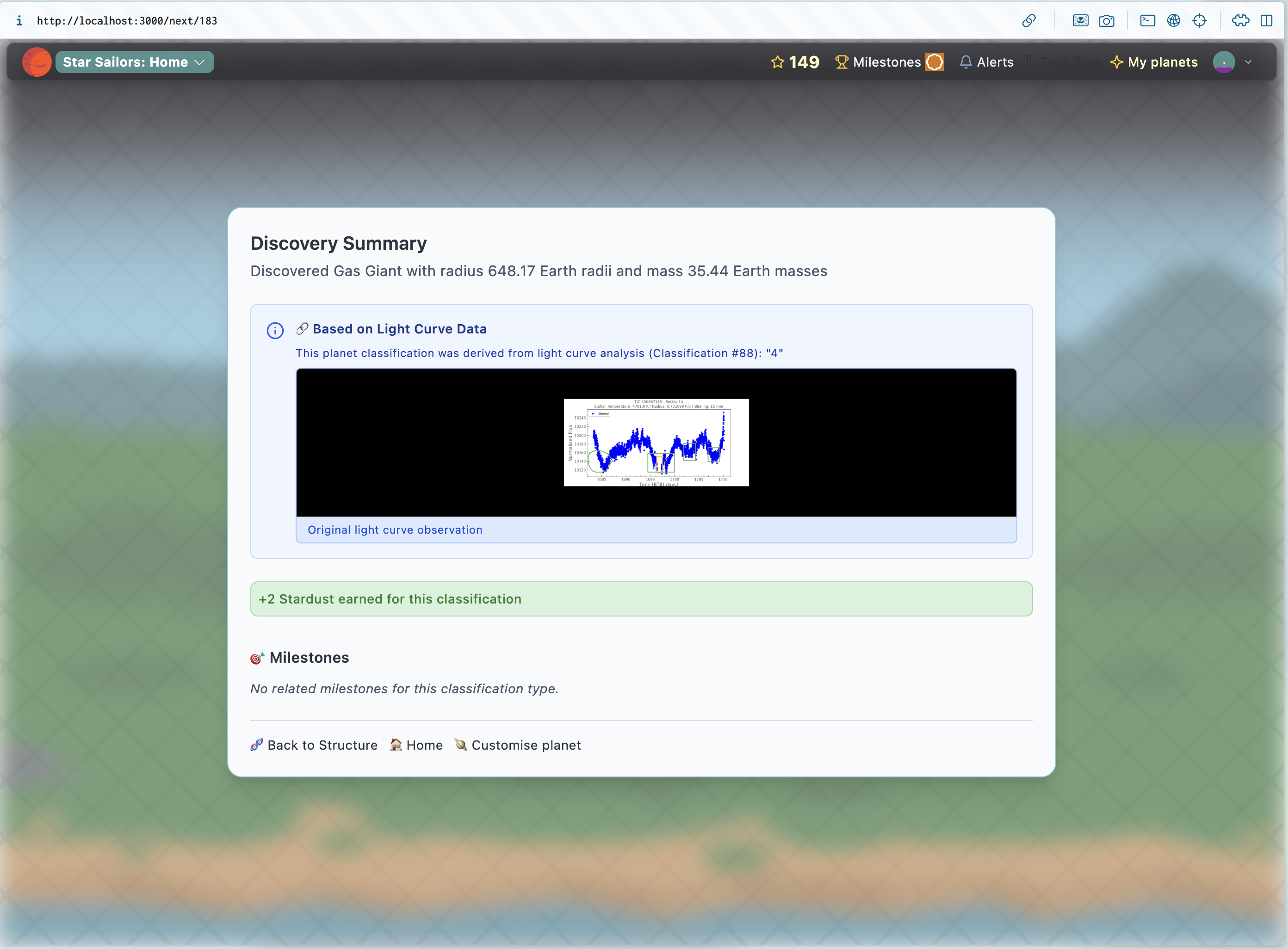
Update Next scene to show parent/children - CLASSIFICATIONS-6 ✅ 2025-10-29
-
Show created/painted planet in next scene?
Sunspot mission/series scope
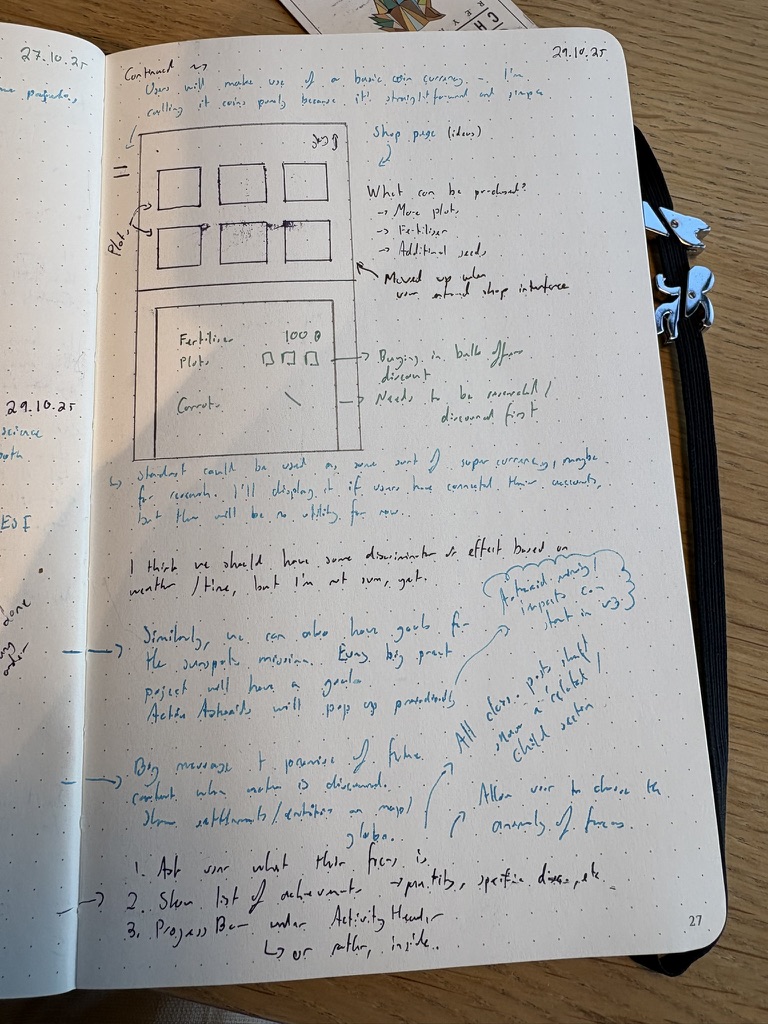
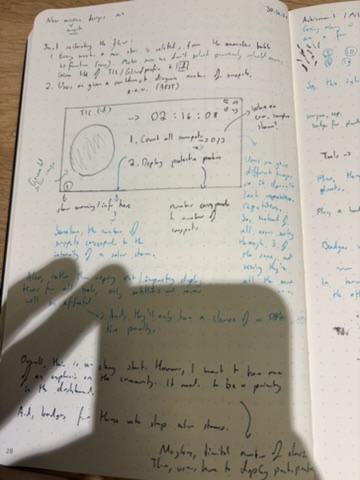
Basically, every week we find a new G-type star (in reality, it’s still just our sun, every time. This is mainly done for the narrative/plot). There is a countdown, users need to diagnose all sunspots and then send probes into space to protect your other vehicles (that are in space) from solar flares, which will occur if the sunspots aren’t “neutralised” by the end of the week. This will degrade the performance of users’ structures, causing a 50% increase in the time taken to receive data. This will be the first “community mission”, where we require multiple users to participate.
I think we can divide this into a few tasks:
- Update main sunspot section to pull in a new star each week, and a varying number of images (not sure about the maximum yet) ✅ 2025-11-02
- Countdown timer with animation ✅ 2025-11-02
- New table, CRON job - each week, create a new “solar event”; will have a
boolfield that determines if Earth was protected ✅ 2025-11-02 - New table to keep track of “defensive probes” launched ✅ 2025-11-02
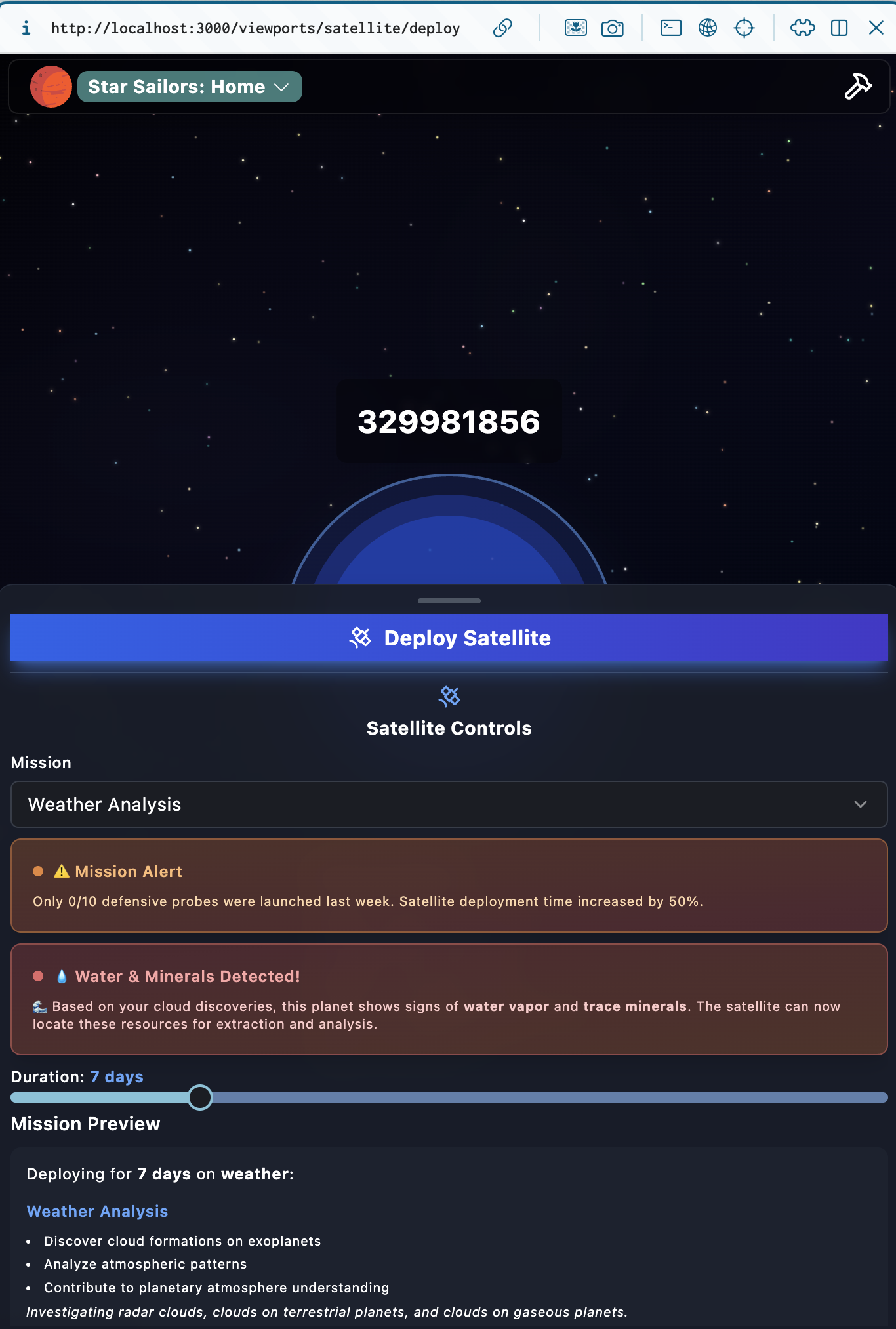
- All deployED pages/components to fetch from the most recent COMPLETE solar event row/record, if it was not defended successfully, time intervals will be 50% longer ✅ 2025-11-02
- Clear tutorial/explanation text ✅ 2025-11-02
^ I’m going to set all of these to be SUNSPOTS-3
Plus, I also need to get some new Sunspot anomalies (starting this on 30.10.25)
- New sunspot anomalies - SUNSPOTS-1 ✅ 2025-10-31
- Start migrating solar component - SUNSPOTS-2 ✅ 2025-10-31
Full article: Sunspot missions
ActivityHeader Section
- Allow user to pick the focus mission/achievement in the ActivityHeader - ACHIVEMENTS-1 ✅ 2025-10-29
- Component that determines the “most complete” planet in the user’s collection - ACHIEVEMENTS-2 ✅ 2025-10-29
Here we go:
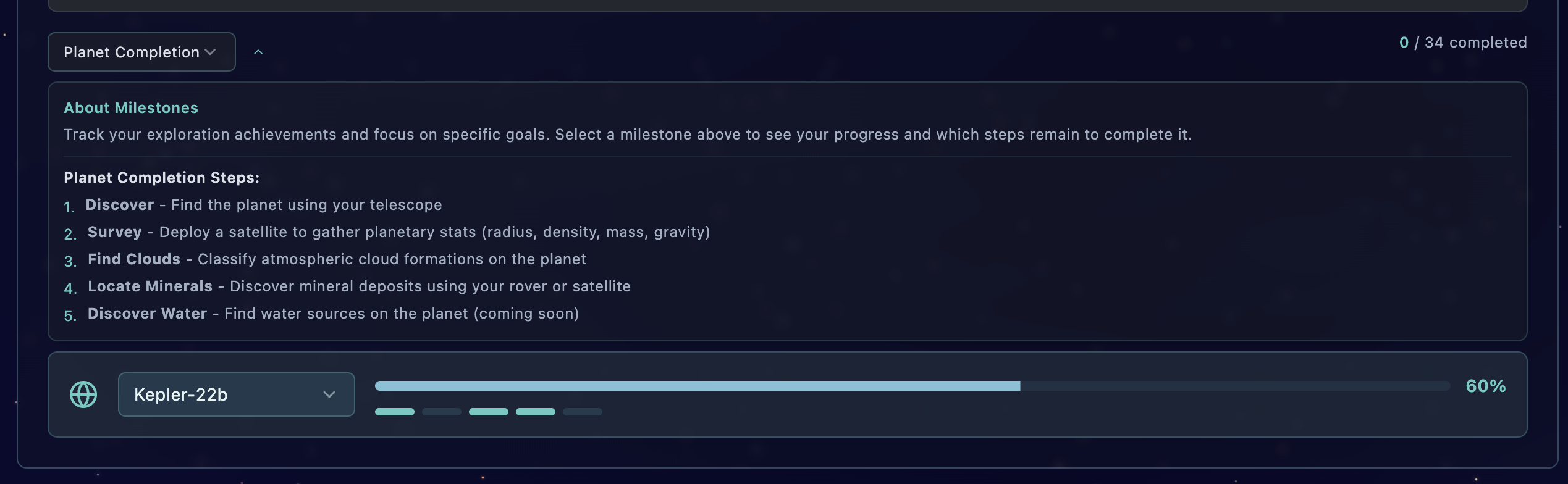
Also, the ActivityHeader Sections is not really mobile-friendly/responsive. I’m going to work on fixing this:
Overall achievements
Achievements Milestones Missions
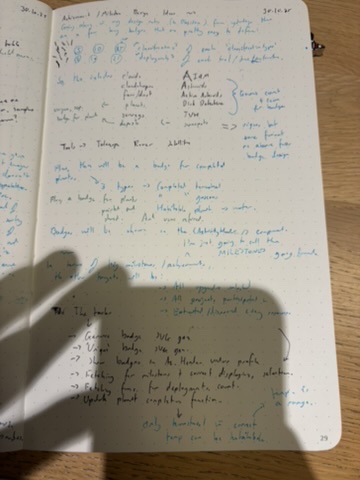
We’ll say that there’s badges for 5, 10, and 25 classifications of each classificationtype. I’m pretty sure we can generate a basic svg for each type.
Then, there would be achievements for 5, 10 and 25 deployments of each structure or tool. I might need to create a new table & post (API) mechanic for this.
- Update planet completion mechanic to be based on planet type & temperature ACHIEVEMENTS-3 ✅ 2025-10-30
- Achievements section & badges ACHIEVEMENTS-4 ✅ 2025-10-30
- Allow user to browse different MIlestones - ACHIEVEMENTS-5 ✅ 2025-10-30
General updates section in tabbed architecture
- Begin to integrate tabbed architecture/layout on index route - LAYOUT-3 ✅ 2025-10-31
- Add some sort of API tool or plugin so updates can be sent directly to the “Updates” tab
Purpose (Current)
-
Shows user avatar, username, and deployment status for Telescope, Satellite, and Rover.
-
Displays stardust balance, upgrade notifications, and project unlocks
-
Integrate a global progress bar below it (representing weekly community progress or user level). ^ This unironically is a good idea
🪐 2. TelescopeViewportSection
Purpose (Current)
- Core project viewport for the Telescope missions (Planet Hunters, NGTS, etc.).
- Allows anomaly exploration, lightcurve analysis, and classification creation.
- Main discovery loop for astronomy content.
- Update telescope deploy layout to be responsive & more like the current satellite deploy layout - DEPLOY-15 ✅ 2025-10-29
Well, I think this is a good start!
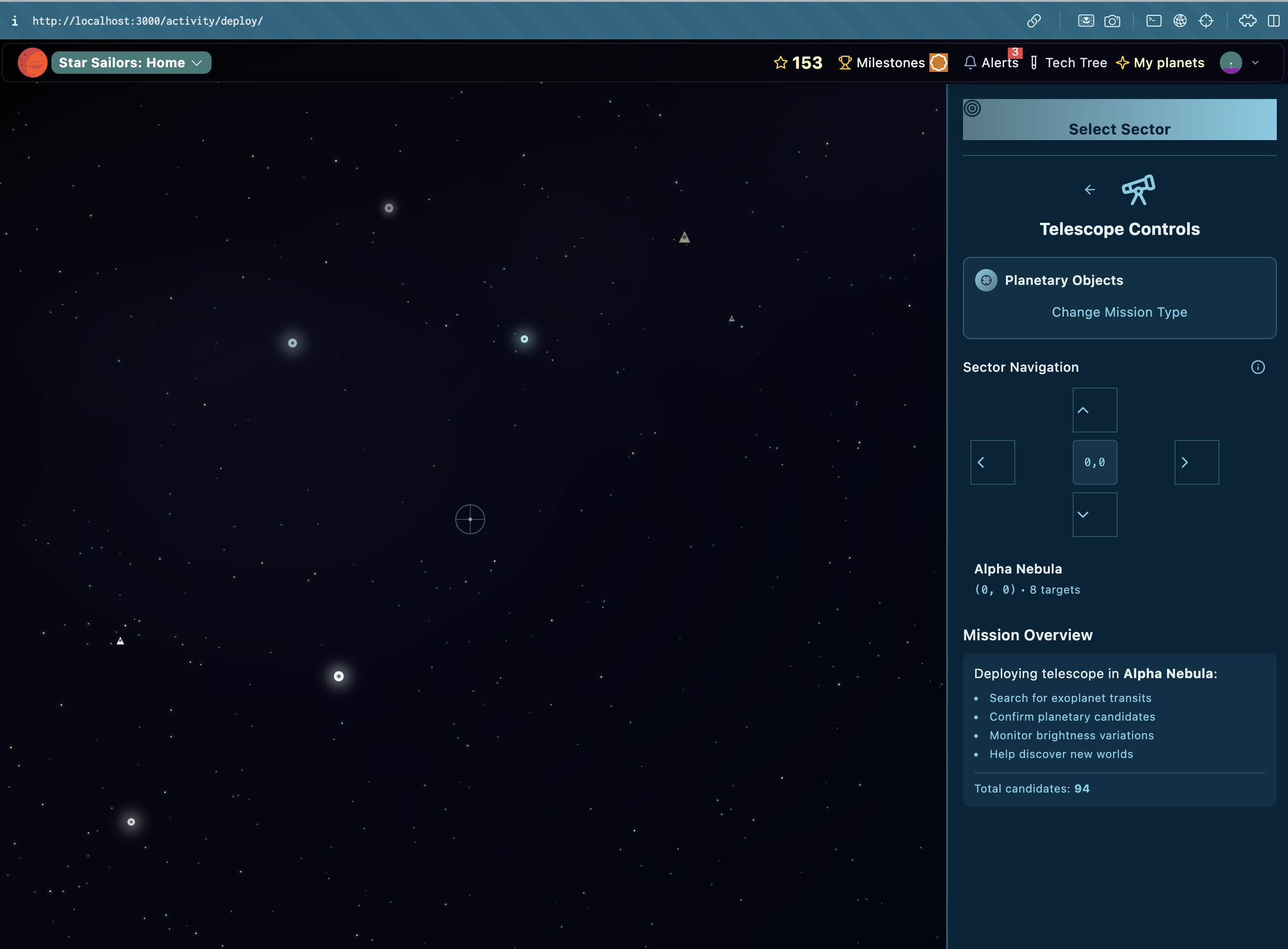
- Plus, updating the telescope structure route to show the viewport…
Bugs
Caching/Performance improvements
- Tabbed layout saves order in local storage - LAYOUT-4 ✅ 2025-11-01
🛰
Media/files
3. SatellitePosition (Weather Satellite / Solar Health)
Purpose (Current)
-
Displays active satellite deployments and current anomaly links.
-
Shows basic visualization for Weather Satellite missions.
-
Sometimes overlaps with Telescope section visually.
Redesign (V2)
-
Merge SatellitePosition and SolarHealth into a single Satellite Viewport.
-
Two tabs: Weather Mission and Solar Mission.
-
Add progress indicator for community-wide solar mission (sunspot goal).
-
Implement countdown timer for the weekly event cycle.
-
Integrate into “Sunspot” system: visible to all users.
🤖
4. Rover changes
Discovering water milestone
Would just be an upgrade on the rover
Purpose (Current)
-
Roving missions for AI4Mars and mineral extraction.
-
Displays planetary surface, resource collection, and deposit data.
Redesign (V2)
-
Keep simple UI for web version; show rover sprite + extraction scene.
-
Add “Soil Analysis” step → triggers water detection if researched.
-
Integrate results directly into InventoryViewport.
-
Merge mission feedback and rover status in a collapsible panel.
-
Prepare mobile-friendly fallback (birds-eye + minimap).
🧰
5. InventoryViewport
Purpose (Current)
-
Shows collected deposits, minerals, and extracted materials.
-
Only appears when user has deposits.
Redesign (V2)
-
Always accessible via tab or quick toggle (like “Equipment”).
-
Add categories: Minerals, Vapours, Ices.
-
Show estimated value + stardust conversion button.
-
Add badge system: “First Mineral Extraction,” “Water Found,” etc.
-
Use consistent glassmorphic panel style.
🧭
6. ImboxViewport
Purpose (Current)
-
Displays comments, votes, and other users’ discoveries.
-
Three tabs: My Discoveries, Incoming Reviews, Others’ Discoveries.
Redesign (V2)
-
Integrate consensus and voting system directly (tap-to-vote or comment).
-
Add “Community Progress” bar (e.g., X of Y classifications reviewed).
-
Move it into right sidebar tab in desktop layout.
-
Include notifications for new comments or votes (“Dynamic Island” popup).
🧑🚀
7. GettingStartedViewport
Purpose (Current)
-
Guides new players through first few classifications and setup.
-
Appears above project selection.
Redesign (V2)
-
Merge with “Next Steps” and tutorial systems.
-
Replace text with progress-based checklist (“Deploy Telescope → Classify → Vote → Research Upgrade”).
-
Include reward icons and narrative flavor.
-
Highlight tutorial mission for Sunspot project.
🧩
8. ProjectSelectionViewport
Purpose (Current)
-
Appears only for users with no classifications.
-
Lets them choose their first project (e.g., Planet Hunters, AI4Mars).
Redesign (V2)
-
Keep only two active projects visible: Sunspot and Planet Hunters.
-
Simplify to large clickable cards.
-
Each card shows a short tagline + reward type.
-
Keep accessible for all users via ActivityHeader “Projects” tab.
💬
9. FeedbackTeaser
Purpose (Current)
-
Currently used to promote Bumble minigame and collect feedback.
Redesign (V2)
-
Retain as rotating banner in bottom-right.
-
Auto-switch between announcements (“Try Bumble”, “Vote Now”, “Weekly Event Live!”).
-
Use subtle animation to attract attention.
🔔
10. NotificationSubscribeButton
Purpose (Current)
-
Prompts users to allow browser notifications.
Redesign (V2)
-
Integrate directly into NPS/feedback flow.
-
Simplify to “Enable notifications for new missions.”
-
Add a visual toggle in ActivityHeader.
🌌
11. WeeklyBanner
Purpose (Current)
-
Static banner encouraging exploration of the full version.
Redesign (V2)
-
Replace with Weekly Event Panel showing:
-
Current sunspot challenge title and timer.
-
Community completion percentage.
-
“Join the Mission” CTA leading to the event viewport.
-
-
Fixed to bottom, collapsible on scroll.
📦
12. Miscellaneous Sections
| Component | Current Role | Redesign |
|---|---|---|
| AnonymousUserPrompt | Encourages guest to sign up | Add “Save Progress” reward preview (e.g. +50 Stardust) |
| ProfileSetupRequired | Prompts to complete profile | Replace modal with inline card |
| CompleteProfileForm | Collects username/full_name | Add tooltips and avatar selection |
| NPSPopup | Feedback form | Integrate after mission completion |
Everything else